
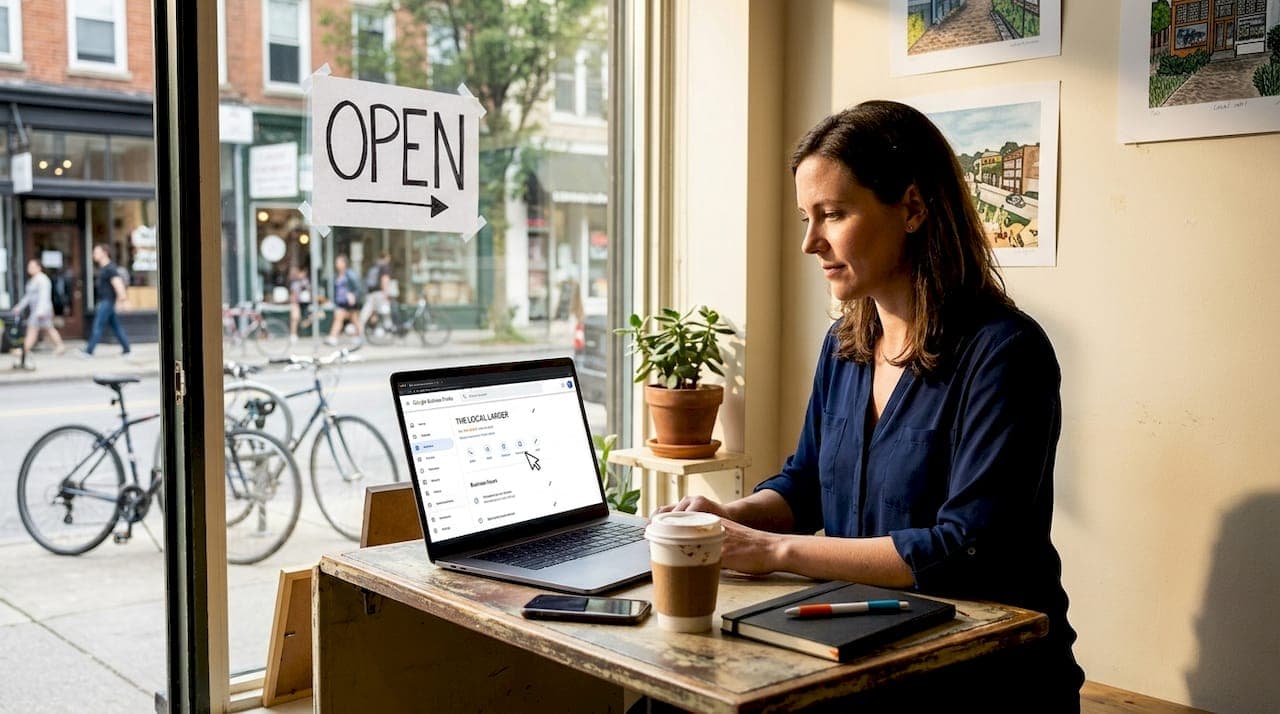
Every day, customers in Austin, Round Rock, Georgetown, and Pflugerville search Google Maps for businesses exactly like yours. If your business doesn't appear in those results, those customers go straight to a competitor. The difference between showing up and being invisible often comes down to a handful of specific, actionable steps that most business owners either skip or set up once and never revisit. This guide walks you through exactly what to do, from setup to ongoing maintenance, so your business gets found by the right local customers at the right moment.
Table of Contents
- What you need before you start
- Step-by-step: Optimize your Google Business Profile for top visibility
- Enhance your profile with media and reviews
- Location and service area strategies for Central Texas
- Troubleshooting and maintaining your Google Maps ranking
- The truth most experts won't tell you about Google Maps visibility
- Ready to stand out? Grow your local business with expert SEO support
- Frequently asked questions
Key Takeaways
| Point | Details |
|---|---|
| Complete your GBP | Ensuring your Google Business Profile is fully filled out and accurate is the foundation for local search success. |
| Leverage media uploads | High-quality photos and regular updates double your engagement and increase your Maps visibility. |
| Review management matters | Actively encouraging and responding to reviews builds trust and boosts local rankings. |
| Service area strategy | Smartly setting your service areas helps reach the most profitable Central Texas neighborhoods. |
| Maintenance is key | Regular checks, updates, and engagement keep your business visible and competitive on Google Maps. |
What you need before you start
Now that you understand what you'll gain, let's line up everything you need to get started. Jumping into optimization without the right foundation is one of the most common mistakes we see. A few minutes of preparation saves hours of frustration later.
Here's what you need ready before making any changes:
- A Google account that you control. Use a business email, not a personal Gmail tied to unrelated accounts.
- Your verified business address. Even service-area businesses need a physical address on file with Google.
- Complete NAP information. NAP stands for Name, Address, and Phone Number. This data must be 100% consistent across every platform where your business appears, including your website, Yelp, and local directories.
- Business hours, including holiday or special hours. Outdated hours are one of the fastest ways to frustrate a potential customer.
- High-quality photos. Plan to upload at least 10 images covering your interior, exterior, products, and team.
- Your business logo in a clean, high-resolution format.
Businesses with complete, accurate info are more likely to show up in local results, and verification is a core requirement for your Google Business Profile optimization to take effect. An incomplete or unverified profile simply will not compete against businesses that have done the work.
| Requirement | Why it matters | Ready? |
|---|---|---|
| Google account access | Required to manage your profile | ✓ / ✗ |
| Verified business address | Confirms legitimacy to Google | ✓ / ✗ |
| NAP consistency | Prevents ranking confusion | ✓ / ✗ |
| Business hours | Improves customer trust | ✓ / ✗ |
| 10+ photos | Drives engagement and clicks | ✓ / ✗ |
| Business logo | Builds brand recognition | ✓ / ✗ |
Pro Tip: Pull out your phone and do a quick Google search for your business name right now. Screenshot what you see. That's your baseline, and it tells you exactly how far you have to go.
Step-by-step: Optimize your Google Business Profile for top visibility
With your prerequisites gathered, it's time to make your profile work for you. Google Business Profile (GBP) is the single most powerful tool for local search visibility. Treating it like a one-time form submission is a mistake. Think of it as a living storefront on Google.
Follow these steps in order for the best results:
-
Complete every single field. Contact details, business description, hours, website link, and service areas. Leaving fields blank sends a weak signal to Google. Your business description should be 250 to 750 characters, naturally written, and include your primary location and service type.
-
Verify your business. Google offers several verification methods: postcard by mail, phone call, email, or video verification. Postcard verification is the most common and typically takes five to seven business days. Until you verify, your profile has significantly limited visibility.
-
Choose a precise primary category. This is one of the most impactful decisions you'll make. "Auto Repair Shop" outperforms "Repair Shop" because it tells Google exactly what you do. Choosing the most specific primary GBP category is a proven ranking lever that many business owners overlook entirely.
-
Add secondary categories with purpose. Secondary categories should only reflect services you actually perform. A nail salon that also offers waxing should add a waxing category. Adding irrelevant categories to cast a wider net can actually hurt your ranking.
-
List your services and products with detail. Include service names, short descriptions, and prices where applicable. Google uses this data to match your profile to specific search queries. A med spa listing facials, laser treatments, and injectables separately will outrank one that just says "aesthetic services."
-
Define your service area. If you travel to customers, list every city and neighborhood you serve. We'll cover this in more detail in a later section.
| Profile element | Basic setup | Optimized setup |
|---|---|---|
| Business description | Generic overview | Location-specific with key services |
| Primary category | Broad (e.g., "Salon") | Specific (e.g., "Nail Salon") |
| Services listed | None or minimal | Every service with descriptions |
| Photos | 1 to 3 stock-style | 10+ original, high-quality images |
| Service area | Not set | All relevant cities listed |
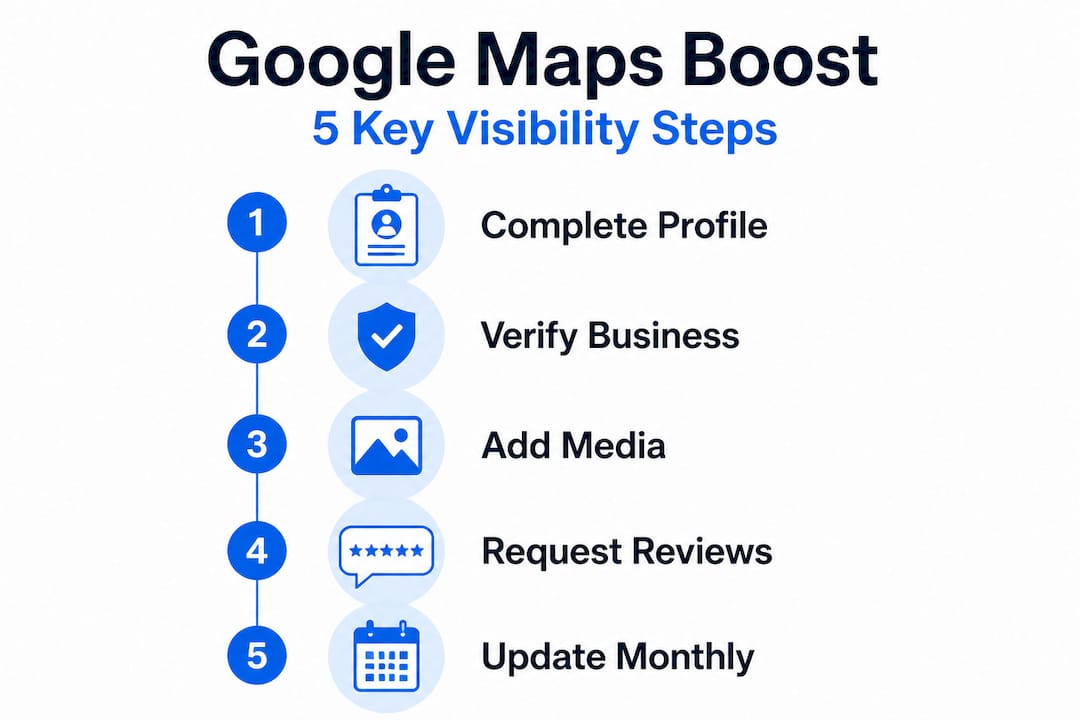
Optimize your GBP consistently and you'll notice a measurable difference in how often you appear in the local map pack. For broader context on how this fits into your overall digital strategy, explore these proven Google visibility tips that work specifically for small businesses.
Pro Tip: Set a recurring calendar reminder to review your GBP every month. Even minor updates like adding a new photo or tweaking your description signal to Google that your profile is actively managed, which supports better rankings.
Enhance your profile with media and reviews
Once your core profile is in place, let's boost performance through visuals and reviews. These two elements directly influence whether someone clicks on your listing or scrolls right past it.
Profiles with many photos receive significantly higher engagement than those with few or no images. We're talking about real differences in call volume, direction requests, and website clicks. Customers are making quick judgments based on what they see, and a profile with 3 photos simply looks less established than one with 30.
Here's what to upload and how often:
- Exterior photos: Help customers recognize your building from the parking lot. This reduces confusion and builds trust before they even walk in.
- Interior photos: Show the atmosphere, cleanliness, and layout. Particularly important for restaurants, salons, and med spas.
- Product or service photos: Show what you actually offer. A photo of a finished manicure, a plated dish, or a completed HVAC installation speaks louder than any description.
- Team photos: Put faces to your business. This is especially effective for service-based businesses where the relationship matters.
- Short videos: Google supports short video uploads on GBP. A 30-second walkthrough of your space can dramatically increase engagement.
Reviews are equally powerful. They influence both your ranking and your conversion rate. A business with 4.8 stars and 200 reviews will consistently outperform a competitor with 4.9 stars and 12 reviews. Volume and recency both matter.
To build your review base:
- Ask customers directly at the point of service. "Would you mind leaving us a quick Google review? It really helps our small business."
- Send a follow-up text or email with a direct link to your Google review page.
- Add a QR code at your register or on your receipts that links straight to your review form.
- Respond to every review, positive and negative, within 24 to 48 hours.
Pro Tip: When responding to a negative review, acknowledge the issue, apologize sincerely, and offer a path to resolution. Never argue or make excuses. A thoughtful response to a bad review often impresses potential customers more than the negative review repels them.
To learn how reviews and media fit into your broader strategy, see how these tactics improve Google ranking for small businesses across Central Texas.
Location and service area strategies for Central Texas
Maximizing your reach means understanding location nuances, especially across Central Texas. Google Maps ranking is not uniform. Your position in search results changes based on where the person searching is physically located. A business in Pflugerville may rank first for someone searching from a mile away, but not appear at all for someone searching from Georgetown.
Rank can change quickly with location, and many business owners don't realize their top ranking in one neighborhood disappears completely in the next. Here's what to do about it.
Service area vs. physical address: If you serve customers at their location (plumbers, landscapers, mobile detailers), set your GBP to show a service area rather than a physical address. You can list multiple cities and zip codes. Cover every community you actually serve, including Pflugerville, Round Rock, Manor, Cedar Park, Georgetown, and Austin neighborhoods.
Radius targeting: Google uses your listed service areas to determine which searches your profile is relevant for. Be honest and specific. Listing the entire state of Texas won't help you. Listing the 15 to 20 mile radius around your actual operation will.
| City | Local search competitiveness | Recommended focus |
|---|---|---|
| Austin | Very high | Neighborhood-level targeting |
| Round Rock | High | Service area + GBP photos |
| Georgetown | Medium | Category specificity + reviews |
| Pflugerville | Medium | Consistent NAP + citations |
| Cedar Park | Medium | Service listings + media |
| Manor | Lower | GBP completeness wins fast |
Tips to cover the maximum relevant audience:
- List every city where you have customers or want to attract them.
- Create location-specific pages on your website for each city you serve.
- Build local citations (business listings) on directories specific to each area.
- Use Google Posts to mention specific neighborhoods and cities in your updates.
For a deeper look at the signals Google weighs when ranking local businesses, review the key local search ranking factors that apply specifically to Central Texas markets. You can also work through a detailed Central Texas SEO checklist to make sure nothing is missed, and review our breakdown of Google Maps ranking tips for a full picture.
Troubleshooting and maintaining your Google Maps ranking
Your improvements need ongoing attention. Here's how to monitor and maintain your Google Maps ranking.
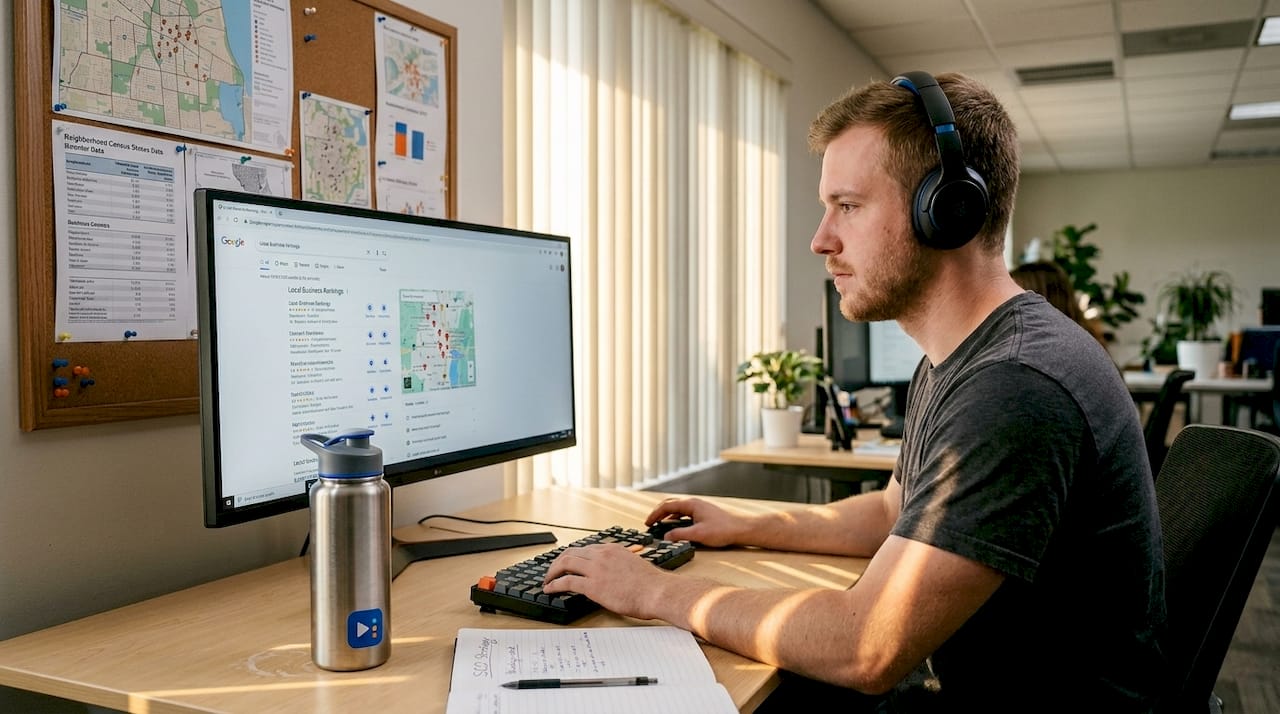
Many business owners do a solid job of the initial setup, then walk away. Weeks later they wonder why their ranking dropped. The answer is almost always a maintenance gap. Google's ranking algorithm is built around relevance, distance, and prominence, and all three require ongoing attention to sustain.
Here are the most common causes of a ranking drop:
- Loss of verification (this can happen after a business move or address change)
- Inconsistent or outdated business hours
- A flood of unanswered reviews, especially negative ones
- Competitors who are more active on their profiles
- No new photos added in months
Follow this monthly maintenance checklist to protect your position:
- Verify your profile status. Log in to your GBP dashboard and confirm that your verification is still active.
- Review your hours. Update for upcoming holidays, special events, or seasonal changes.
- Respond to all reviews. Address anything unanswered from the past 30 days.
- Add at least two new photos. Fresh visual content signals an active business.
- Publish a Google Post. Share a promotion, announcement, or update directly on your profile.
- Check your Q&A section. Answer any new questions customers have submitted.
- Review your service list. Add new offerings, remove discontinued ones, and refresh descriptions.
Use this essential SEO checklist alongside your monthly GBP routine to cover all bases.
A top ranking on Google Maps is not a destination. It's a position you earn and then maintain. Businesses that treat optimization as a one-time event will consistently lose ground to competitors who show up every month.
To check how your listing ranks from different locations in Central Texas, use Google's built-in "Search as a local" feature or third-party tools like Local Falcon to map your visibility across zip codes. This gives you real data, not guesses, about where you're strong and where you need improvement.
The truth most experts won't tell you about Google Maps visibility
Most guides on this topic focus entirely on setup. Fill in your profile, pick a category, get some reviews, and you're done. That framing is what leaves business owners confused when their ranking stalls or drops after a few months.
Here's what we've seen working with businesses across Pflugerville, Georgetown, Austin, and Round Rock: Google's algorithm rewards ongoing local engagement, not a one-time checklist completion. A profile that was perfectly optimized six months ago will lose ground to a competitor who is actively posting, collecting reviews, and updating their information every month. Recency matters more than people realize.
We've also seen that neighborhood-level adjustments make a significant difference. A restaurant on the north side of Round Rock may be invisible to someone searching two miles south, simply because the service area settings are too narrow or the location keywords in the profile don't include that neighborhood. Small changes in how you describe your area can shift your visibility meaningfully, and most business owners never make those adjustments.
The businesses we see climbing rankings consistently are not the ones with the flashiest websites or the biggest budgets. They're the ones showing up every single month, adding content, engaging with reviews, and treating their GBP like it's a store window that needs to look fresh. The meaning of local SEO goes well beyond keywords. It's about signaling to Google, repeatedly and consistently, that your business is active, relevant, and trusted by real customers in your community.
Many competitors in your market set up their profile once and walk away. That's your advantage. Consistency wins.
Ready to stand out? Grow your local business with expert SEO support
If you've worked through this guide and feel the scope of what needs to happen, you're not alone. Most business owners know what to do but don't have the time or the technical experience to do it consistently, especially across multiple cities and search locations in Central Texas.

At ourLocalSEO, we specialize in exactly this kind of work. From Google Business Profile setup and optimization to review generation, citation building, and location-specific keyword targeting, we handle the details so you can focus on running your business. We work with nail salons, med spas, restaurants, service providers, and more across Pflugerville, Austin, Round Rock, Georgetown, Cedar Park, and Manor. Whether you want to explore our SEO tricks for Pflugerville businesses or you're looking for targeted Georgetown local SEO support, we're ready to build a strategy tailored to your location and goals. Reach out to start a conversation about where your business stands and where it could go.
Frequently asked questions
How often should I update my Google Business Profile?
Update your profile monthly or whenever any business details change. Profiles that are kept up-to-date and verified are consistently prioritized in Google's local ranking algorithm.
Why aren't my photos showing up on Google Maps?
Photos may not appear if they are low quality, violate Google's content guidelines, or your profile is unverified. Adding quality photos that accurately represent your business helps both visibility and customer engagement.
Can I target customers in multiple cities around Central Texas?
Yes, use the service area feature in your GBP to specify multiple cities and neighborhoods. Rank varies by location, so covering every city you serve helps close visibility gaps across the region.
Is it better to have more reviews or higher ratings?
Both matter, but volume and recency tend to outperform a perfect score with very few reviews. Responding to all reviews signals active engagement, which Google factors into your local ranking.
What causes a drop in Google Maps ranking?
A ranking drop is most often caused by outdated business information, lost verification, or a period of inactivity on your profile. Relevance, distance, and prominence are Google's core local ranking signals, and all three require consistent upkeep to maintain your position.