
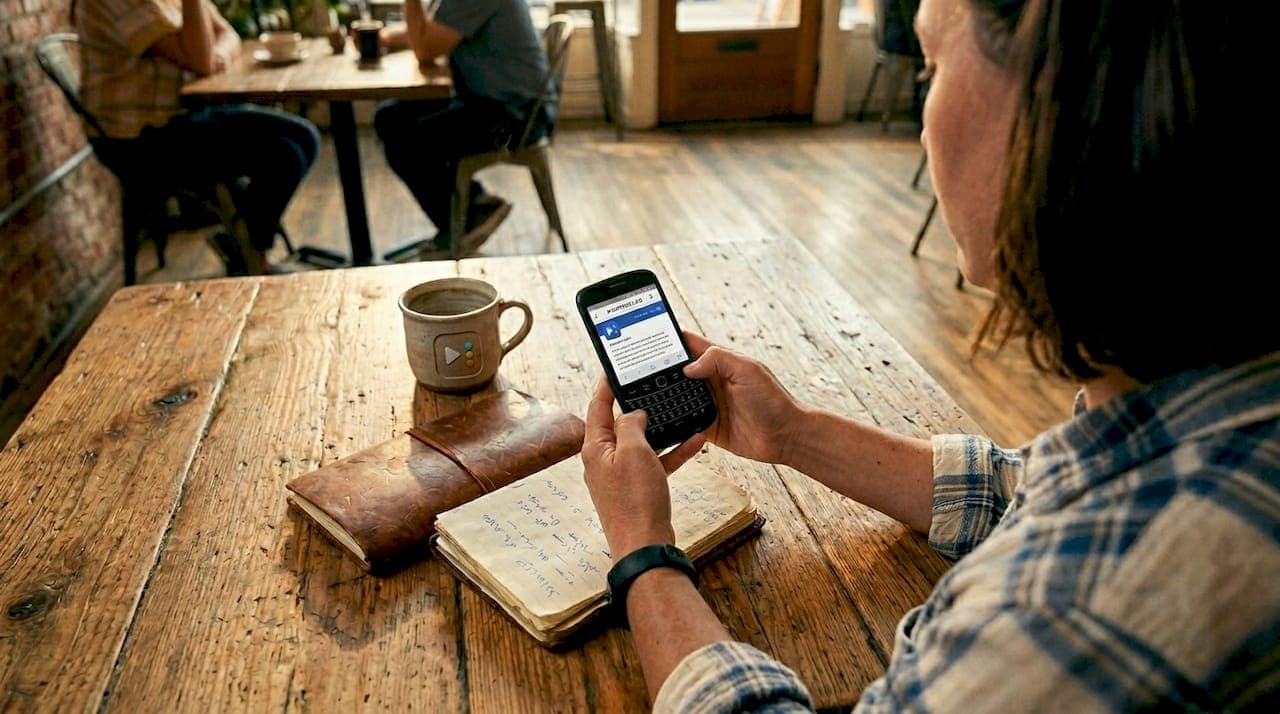
Most small business owners in Central Texas are competing for the same local customers, and the battle is being fought on mobile screens. Over 60% of global web traffic now comes from mobile devices, which means your nail salon, med spa, or service business is almost certainly being discovered, evaluated, and either chosen or dismissed on a phone. Following mobile SEO best practices is not optional anymore. It is the difference between showing up when someone in Pflugerville searches "nail salon near me" and being invisible. This guide gives you a clear, actionable framework to fix that.
Table of Contents
- Understanding mobile SEO criteria for small businesses
- Optimize mobile site speed and Core Web Vitals metrics
- Design mobile-friendly user interfaces for higher engagement
- Leverage local SEO techniques for mobile search visibility
- Compare mobile SEO approaches and tools for small business success
- Our honest take on mobile SEO for local service businesses
- Ready to improve your mobile rankings in Central Texas?
- Frequently asked questions
Key Takeaways
| Point | Details |
|---|---|
| Mobile traffic dominates | Mobile devices generate over 60% of web traffic, making mobile SEO essential for local business success. |
| Core Web Vitals matter | Meeting Google's performance thresholds on mobile boosts rankings and user satisfaction. |
| Responsive design recommended | Google favors responsive sites for seamless crawling and better mobile user experience. |
| Local SEO boosts visibility | Optimizing Google Business Profile and local content drives significant gains in local map rankings. |
| Usability impacts conversions | Design mobile-friendly interfaces with adequate tap targets and simple forms to reduce bounce and increase leads. |
Understanding mobile SEO criteria for small businesses
Now that you understand why mobile SEO is vital, let's explore the key technical and usability criteria you need to master before anything else.
Google evaluates your site with a mobile-first index. That means Google crawls and ranks your site based on the mobile version, not the desktop version. If your mobile site is slow, hard to use, or missing content, your rankings will reflect that regardless of how polished your desktop site looks.
Here are the core criteria every small business site must address:
- Core Web Vitals: Google's Core Web Vitals thresholds require LCP (Largest Contentful Paint) under 2.5 seconds, INP (Interaction to Next Paint) under 200 milliseconds, and CLS (Cumulative Layout Shift) under 0.1 on mobile. These are direct ranking signals.
- Responsive design: A responsive site adapts its layout to any screen size using CSS, with one URL and one set of content. Google recommends this approach over all others.
- Content parity: Everything on your desktop site, your service descriptions, pricing, contact details, reviews, must also exist on your mobile version. Hidden content on mobile is not fully indexed.
- Tap targets: Tap targets must be at least 48x48 pixels with 8 pixels of spacing between them. Buttons and links that are too small or too close together frustrate users and signal a poor experience to Google.
Getting these fundamentals right sets the foundation for improving Google rankings in your local market. Skip any of these, and the tactics you layer on top will deliver far less than they should.
Optimize mobile site speed and Core Web Vitals metrics
With the criteria clear, focusing on speed and Core Web Vitals optimization is vital to retain mobile visitors and improve rankings.
Page speed is the most critical technical factor in mobile SEO, and Core Web Vitals are its direct measurement. A nail salon in Round Rock with a two-second load time will consistently outrank one with a five-second load time, everything else being equal. The good news is that most speed improvements cost nothing except a little time and the right approach.
Here are the mobile page speed tips that move the needle most:
- Convert images to WebP or AVIF format: Hero images should be compressed below 100KB. A before-and-after photo gallery on your nail salon homepage could easily be the biggest drag on your load time if left uncompressed.
- Preload your hero image: Preloading the LCP hero image and never lazy-loading it can cut your LCP by 0.5 to 1 second on a mobile 4G connection. This single change has an outsized effect on rankings.
- Defer non-critical JavaScript: Scripts for chat widgets, analytics, and pop-ups should load after your main content, not before. Each script that blocks rendering adds time before your customer sees anything useful.
- Inline critical CSS: The CSS that controls your above-the-fold layout should be written directly into the HTML, not fetched from an external file. This eliminates a round trip to the server on every page load.
- Audit third-party scripts: A booking plugin, a social media feed, and a review widget can each add 300 to 500 milliseconds. Audit every third-party script quarterly and cut anything that is not actively driving business.
Pro Tip: Use Google's free PageSpeed Insights tool to score your site before and after each change. Focus on mobile scores specifically, not desktop. A 90+ mobile score puts you ahead of the majority of local competitors.
These practical SEO tips apply directly to sites built on platforms like Wix, Squarespace, or WordPress. You do not need a developer to implement most of them.
Design mobile-friendly user interfaces for higher engagement
Equally important to speed is delivering a user-friendly mobile interface that encourages visitors to engage and convert.
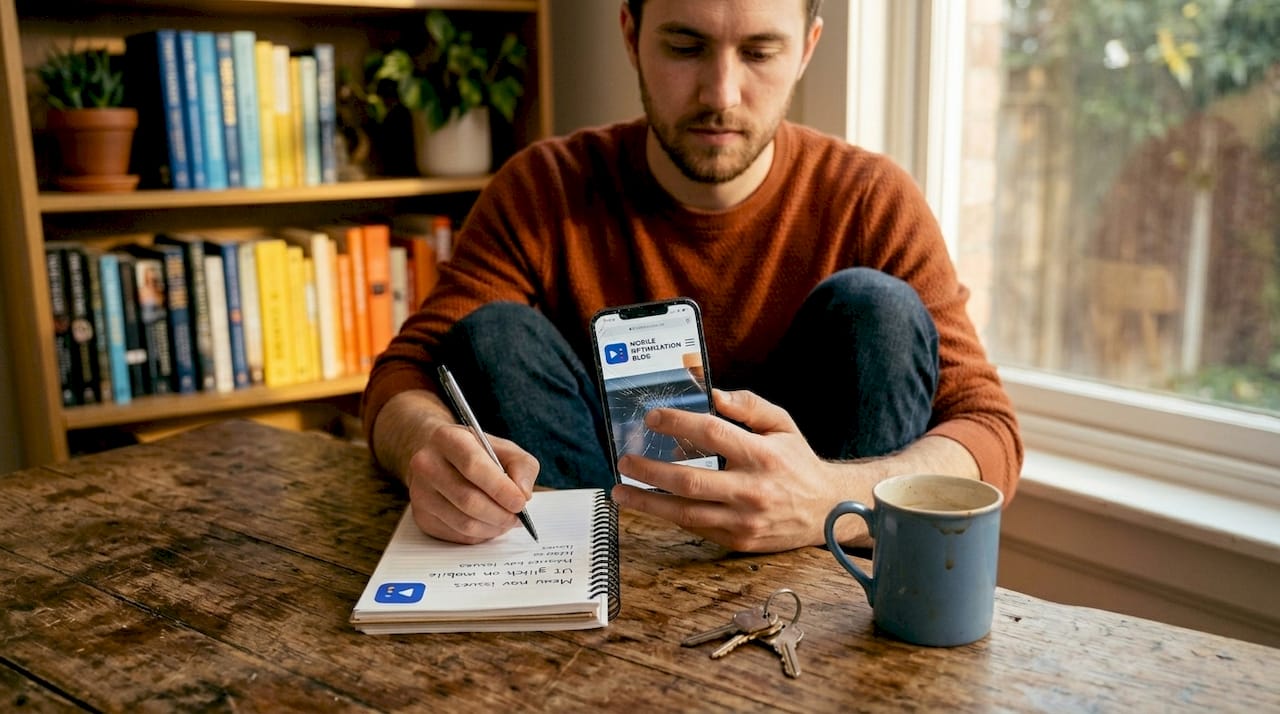
A fast site that is hard to use still loses customers. Improving mobile user experience means designing every screen with one-handed use in mind, because that is how most people actually hold their phone. Your booking button, phone number, and service menu should never require a stretch or a pinch to reach.
Key design practices for service-based businesses in Central Texas:
- Tap targets that work: 31% of mobile sites violate the 48x48 pixel tap target standard. If your "Book Now" button is too small, customers will click the wrong thing and leave. Size every button generously.
- Design for the thumb zone: Mobile users prefer one-handed use, with the comfortable reach zone covering the lower-center 40% of the screen. Place your most important calls to action, phone number, booking link, and address, in that zone.
- Font size and contrast: Use a minimum of 16px for body text. Maintain a 4.5:1 contrast ratio between text and background. Small gray text on a white background may look elegant on a desktop but it is nearly unreadable outdoors on a phone in Pflugerville's afternoon sun.
- Minimal forms: Your contact or booking form should ask for the minimum. Name, service, and preferred date is usually enough to start a conversation. Every additional field drops completion rates measurably.
- Clear navigation: A sticky header with a visible menu or a bottom tab bar keeps navigation accessible without requiring your customer to scroll back to the top. Consistent placement builds familiarity quickly.
Pro Tip: Test your own site by handing your phone to someone who has never seen it and asking them to find your phone number and book an appointment. Watch what they struggle with. That is your real UX audit.
Pairing good design with solid Google ranking tips creates a site that earns traffic and converts it.
Leverage local SEO techniques for mobile search visibility
Beyond general mobile SEO, focusing on local SEO tactics tailored to Central Texas businesses maximizes your visibility in local searches.
When someone in Cedar Park searches "nail salon near me" on their phone, Google pulls results from the local map pack. Getting into that pack requires more than just a website. It requires a connected local presence, with your Google Business Profile, your website, and your citations all telling the same story.
Here is the step-by-step approach we recommend for service businesses in this region:
- Complete your Google Business Profile: GBP optimization accounts for 32% of local pack ranking weight. Fill in every field: business hours, services, photos, and your service area. Post updates weekly.
- Add LocalBusiness schema to your site: Schema markup (structured data code) tells Google exactly what your business is, where it is, and what it offers. This helps you qualify for rich snippets in mobile search results.
- Build location-specific landing pages: A page titled "Nail salon in Georgetown, TX" with unique content about that community will outperform a generic homepage every time in local searches.
- Create dedicated service pages: Dedicated service pages boost rankings by 156% in Google Maps visibility within 90 days. One page for gel nails, one for acrylics, one for pedicures, each targeting real search terms your customers use.
- Build citations and collect reviews consistently: Citations are your business name, address, and phone number listed on directories like Yelp, Bing Places, and local Chamber of Commerce sites. Consistent citations and a steady flow of new Google reviews reinforce your local authority.
| Local SEO action | Time to results | Difficulty |
|---|---|---|
| GBP optimization | 2 to 4 weeks | Low |
| Service pages | 4 to 12 weeks | Medium |
| Citation building | 4 to 8 weeks | Low |
| Schema markup | 2 to 6 weeks | Medium |
| Review generation | Ongoing | Low |
Start with your Google Business Profile optimization and use the full local SEO checklist to work through each step systematically.
Compare mobile SEO approaches and tools for small business success
To finalize your mobile SEO plan, let's compare practical approaches and clarify why Google favors responsive design for small business sites.
There are three ways to serve mobile users technically, and choosing the wrong one creates problems that are hard to fix later. Here is a clear breakdown:
| Approach | How it works | Google's recommendation | Risk level |
|---|---|---|---|
| Responsive design | One URL, CSS adapts layout to screen size | Strongly recommended | Low |
| Dynamic serving | One URL, server sends different HTML per device | Acceptable but complex | Medium |
| Separate mobile URLs (m.yoursite.com) | Two URLs, one per device type | Not recommended | High |
Google recommends responsive web design as the foundation of mobile SEO for good reason. Responsive design keeps all your link equity in one place, eliminates duplicate content risks, and requires no device detection logic on the server.
Separate mobile URLs are the riskiest option for small businesses. They split your link equity between two URLs, require consistent canonical tags to avoid duplicate content penalties, and double the maintenance work. Most small business owners who built an "m dot" site years ago have not updated it consistently and it is hurting their rankings.
A few additional technical points worth noting:
- Navigation must be in the initial HTML: Collapsing mobile navigation with JavaScript that only appears after a tap harms crawlability. Googlebot does not always execute JavaScript fully. Your navigation links should exist in the page's source code from the start.
- Viewport meta tag is required: Every mobile page needs the correct viewport meta tag. Without it, mobile browsers will render your page at desktop width and scale it down, creating a poor experience and lower rankings.
- Test with best mobile SEO tools: Google Search Console's mobile usability report, PageSpeed Insights, and the Mobile-Friendly Test are free and give you direct signals about what Google sees on your site.
Pairing these mobile optimization techniques with a solid local SEO guide gives you a complete picture of what your site needs to compete in Central Texas.
Our honest take on mobile SEO for local service businesses
Here is something we tell our clients that most SEO articles skip: the biggest mobile SEO problem for nail salons and local service businesses is not technical. It is prioritization.
Most small business owners we work with in Pflugerville, Round Rock, and Georgetown have a site that technically functions on mobile. The images load. The text is readable. The phone number is there. They assume "good enough" is working. But "good enough" means you are ranking fifth or sixth when you could rank first, and position five and six in the local map pack drive a fraction of the calls that position one does.
The uncomfortable truth is that your competitors in this market are not doing mobile SEO exceptionally well either. That creates a genuine opportunity. A focused three-month push on Core Web Vitals, GBP completeness, and service pages can move a nail salon from the bottom of the local pack to the top in a single quarter. We have seen it happen consistently with clients across Central Texas.
The mistake we see most often is chasing every tactic at once and executing none of them fully. Pick the one with the highest impact for your specific situation. If your Core Web Vitals scores are in the red, fix speed first. If your GBP is incomplete, fix that first. If you have no service pages, build them next. Methodical execution beats scattered effort every time.
Mobile SEO is not a project you complete and forget. It is a system you build and maintain, and the businesses that treat it that way dominate local search in their market year after year.
Ready to improve your mobile rankings in Central Texas?
If you are a nail salon or service business in the Pflugerville, Austin, or Round Rock area and your mobile site is not driving the leads it should, we can help you identify exactly what to fix first.

At ourLocalSEO, we specialize in helping Central Texas small businesses rank higher in local mobile search through Google Business Profile optimization, responsive website design, and targeted on-page SEO. We do not guess. We audit your current site, identify the gaps, and build a plan tailored to your location and your customers. Whether you are starting from scratch or refining an existing site, our team brings real hands-on experience in local search. Visit ourLocalSEO to get started with a free local visibility review.
Frequently asked questions
What is the minimum size recommended for tap targets on mobile sites?
Tap targets must be at least 48x48 pixels with 8 pixels of spacing between them to avoid user frustration and prevent SEO penalties from Google's mobile usability assessment.
Why is Google Business Profile optimization critical for local SEO in 2026?
GBP optimization accounts for 32% of local pack ranking weight, making it one of the single highest-impact actions a local service business can take to increase mobile search visibility.
Should small businesses use separate mobile URLs for their sites?
No. Google recommends responsive design instead, because separate mobile URLs create canonical errors, split link equity, and add maintenance complexity that most small businesses cannot sustain.
How does optimizing Core Web Vitals impact mobile SEO ranking?
Core Web Vitals are a direct ranking signal, and meeting the thresholds of LCP under 2.5 seconds and INP under 200 milliseconds directly improves both your rankings and the experience visitors have on your site.
What are best practices for reducing form abandonment on mobile?
Minimize fields, use correct input types, add inline validation, and support autofill to significantly improve form completion rates, particularly for mobile users booking appointments or submitting contact requests.